Spend time where judgement matters
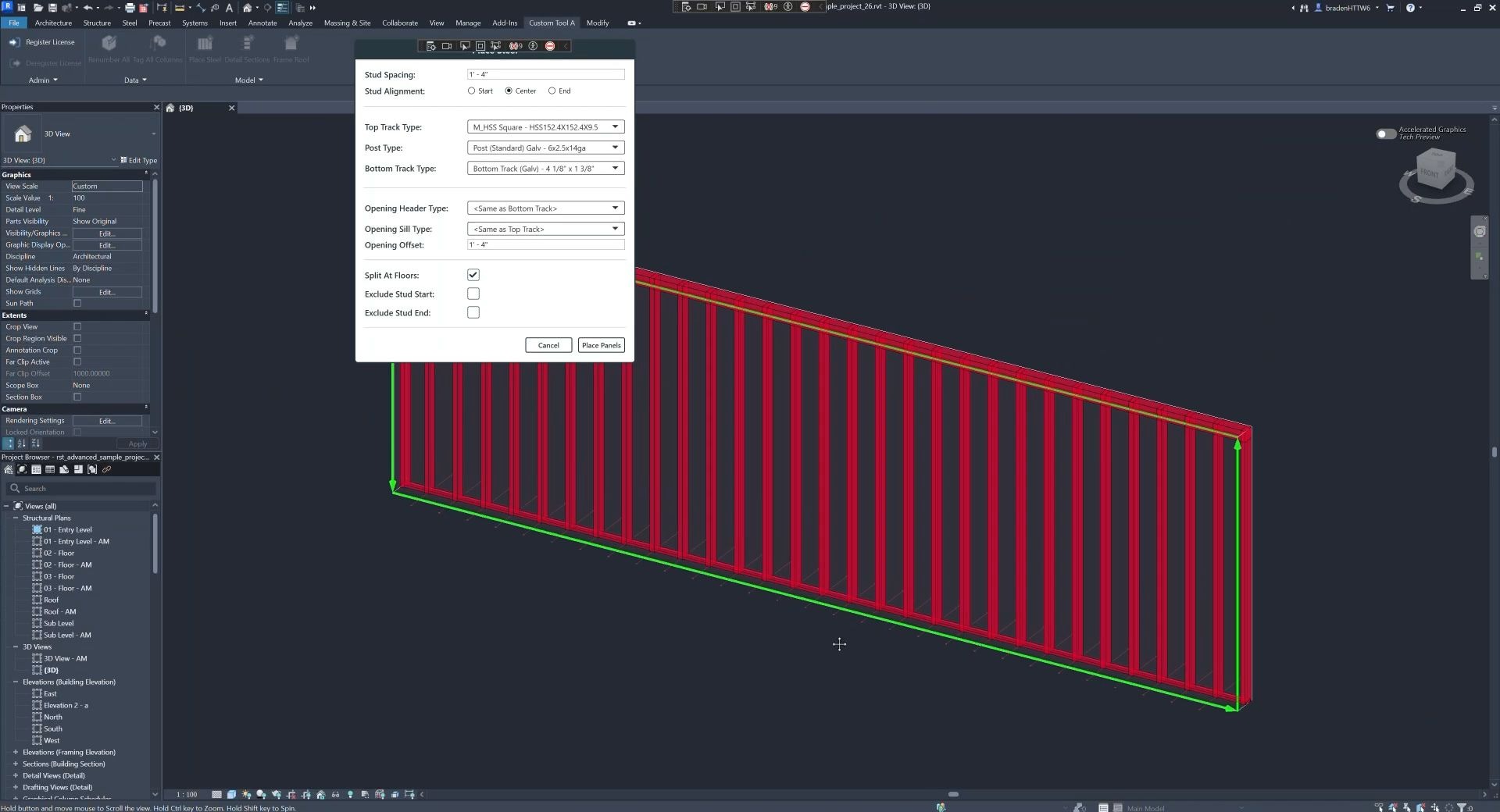
Automate repeatable work so engineers and drafters can focus on the decisions that require judgement.
I turn disconnected tools and scripts into production workflows structural firms can rely on across projects and teams.
by Braden Koh From useful tool to production system
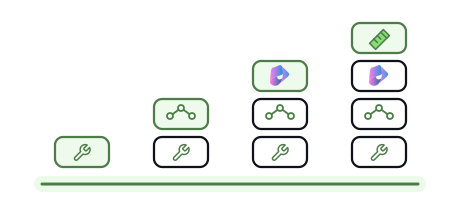
 A tool can improve one person’s task or one part of delivery. Unless it connects to the rest of the firm, project delivery still relies too much on manual work.
What a production system addsAutomate repeatable work so engineers and drafters can focus on the decisions that require judgement.
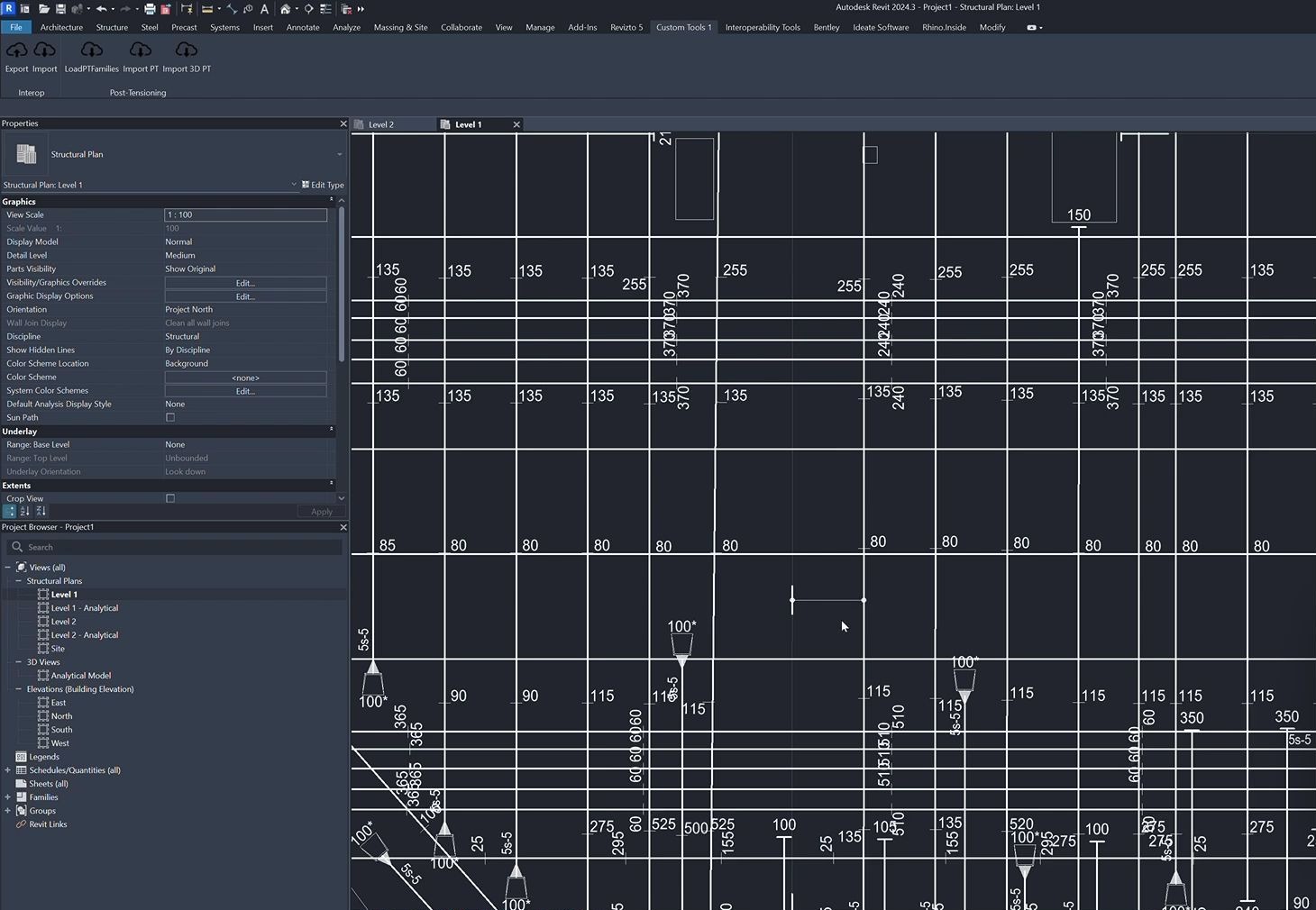
Move information through modelling, analysis and documentation without re-entering it at every step.
Make the firm's standards and checks part of the workflow so more people can apply them consistently.
Roll proven workflows out across more projects and teams without creating a different version for each.
When the tools work as one system, project delivery becomes cheaper as a whole, not just for a single person or team.

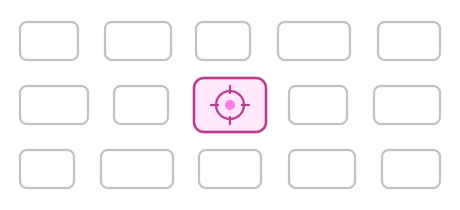
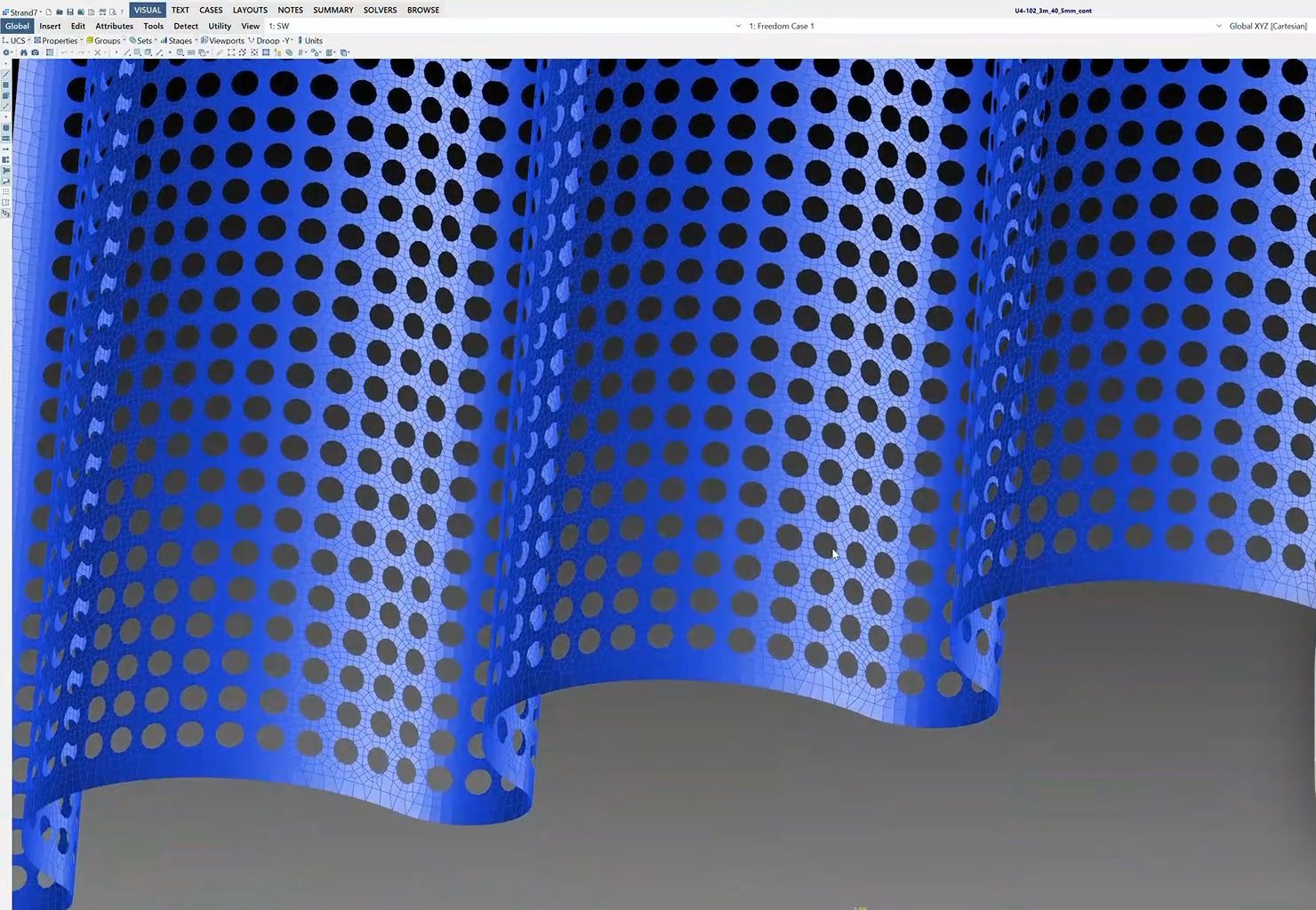
Hands-on support for complex geometry, modelling and data problems on live projects using Grasshopper, Dynamo and custom scripts.
Scoped around the needs of the project

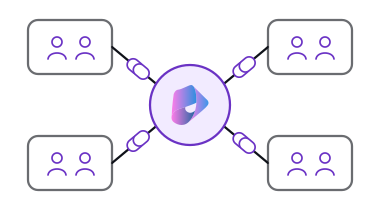
Turn disconnected tools, scripts and manual processes into a consistent way of delivering projects across the firm.
Fixed-price or monthly

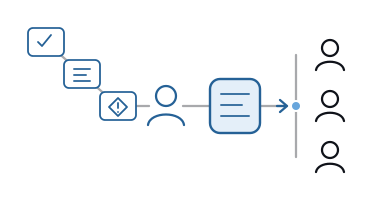
DIY + coaching to help your team get more from the tools and automations it already has. I work alongside you on the next steps and technical decisions.
10-hour block · A$300/hour · plus GST
Explore the tools I’m building and the courses I teach in Grasshopper and computational design.
This work is collaborative. I need your domain expertise and input from the people who use the workflow.
The right system starts with understanding how your firm delivers projects.
Investigation and testing with real project data take time.
Yes. I can join the project team to work through complex geometry, modelling strategy and data workflows. The engineering and delivery problem comes first; Grasshopper, scripts and custom tools follow from that. The work can be hourly, fixed-price or reserved monthly depending on the need.
For bespoke work, you receive the agreed tool, source code and documentation. Ownership and handover terms are set out before work begins.
It is DIY + coaching for teams building and improving their own automations. A ten-hour block can cover workflow mapping, a detailed review of an existing tool, architecture decisions or working sessions as the team develops and tests a workflow.
Yes. I can review what your engineers, BIM staff, power users or developers have built, help shape the system around it, or work alongside them on testing, rollout and maintenance.
Tell me what the team is doing now and what you want to improve. I will tell you whether project support, a production system, advisory or an existing off-the-shelf tool makes the most sense.
If you have a workflow in mind, or simply want to ask a few questions, get in touch.